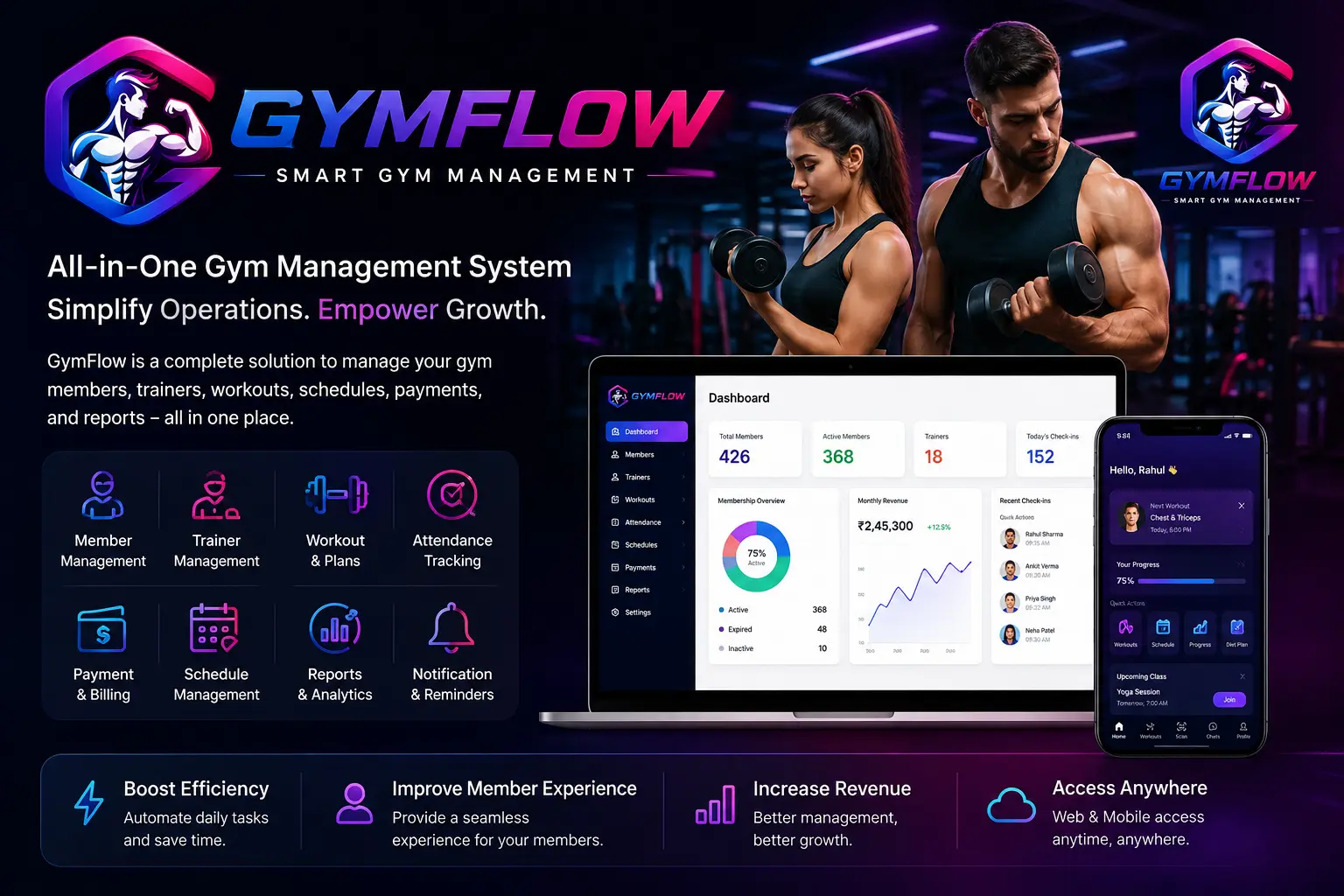
Available Features in the Gym Script
The following inventory is based on the Laravel routes, controllers, database models, views, REST API, and Flutter application currently present in the repository.
1. Multi-role and multi-tenant system
- Super Admin panel.
- Gym Owner/Admin panel.
- Manager and custom staff roles.
- Trainer panel.
- Trainee/member panel.
- Role-specific dashboards and menus.
- Gym-wise data separation using tenant/owner relationships.
- Custom roles and permissions.
- Permission assignment to individual users.
- Enable or disable trainer and trainee accounts.
- User impersonation support for authorized administrators.
2. Authentication and account security
- Email and password authentication.
- Mobile OTP authentication through Firebase.
- Forgot-password workflow.
- Password reset workflow.
- Email verification.
- Two-factor authentication.
- Logout from the current device.
- Logout from all authenticated devices.
- Secure Laravel Sanctum tokens for mobile users.
- Mobile API rate limiting for login and sensitive operations.
- Password change from profile settings.
- Account-deletion request submission.
- Login and account activity history.
- Google reCAPTCHA configuration.
3. Dashboards
- Separate dashboards for:
- Super Admin.
- Gym Owner/Admin.
- Trainer.
- Trainee.
- Dashboard statistics and summaries.
- Role-dependent information.
- Mobile dashboard for trainer and trainee accounts.
- Upcoming and assigned content summaries.
- Promotional video section.
- Quick navigation to primary modules.
4. Gym owner and user management
- Create, view, edit, and delete gym owners/users.
- Configure company and gym information.
- Store user profile photographs.
- Maintain user addresses and personal information.
- Activate or deactivate accounts.
- Associate users with a parent gym account.
- Assign roles and permissions.
- View user details.
- Maintain account and login history.
- Configure subscription packages for gym owners.
5. Trainer management
- Add new trainers.
- Edit trainer information.
- View trainer profiles.
- Delete trainer records.
- Upload trainer profile photographs.
- Set trainer status.
- Maintain trainer-specific details.
- Assign trainees to trainers.
- Assign trainers to gym classes.
- View a trainer’s assigned classes.
- View assigned trainees.
- Display profile and basic membership information in the mobile app.
- Trainer-specific mobile dashboard and navigation.
6. Trainee/member management
- Add trainees.
- Edit trainee information.
- View trainee profiles.
- Delete trainee records.
- Upload trainee profile photographs.
- Enable or disable trainee accounts.
- Assign a trainer to a trainee.
- Assign membership plans.
- Store membership start and expiration information.
- Store physical and health details.
- Assign trainees to classes.
- Assign lockers.
- Maintain attendance history.
- Maintain workouts and nutrition plans.
- View invoices and payment history.
- Trainee-specific mobile dashboard and navigation.
7. Membership plan management
- Create membership plans.
- Edit membership plans.
- View plan details.
- Delete membership plans.
- Configure plan name, price, and duration.
- Support monthly and duration-based plans.
- Configure plan benefits.
- Configure mobile display information.
- Mark plans as recommended or popular.
- Set plan colors and visual presentation.
- Configure discounts and plan features.
- Renew trainee memberships.
- Calculate membership expiration.
- Display current membership status.
- Maintain membership subscription history.
8. Trainee subscription purchase and upgrade
Available only for trainee mobile accounts:
- View the current subscription.
- View subscription start and end dates.
- Display remaining subscription duration.
- View available membership plans.
- Compare available plans.
- View plan benefits.
- Purchase a new subscription.
- Renew an existing subscription.
- Request an upgrade quotation.
- Calculate the remaining value of the current plan.
- Upgrade to a higher plan.
- View the calculated upgrade amount.
- Use configured existing payment methods.
- Upload a payment receipt where required.
- View subscription history.
- Subscription functionality is hidden from trainer accounts.
9. Gym classes
- Create gym classes.
- Edit class information.
- View class details.
- Delete classes.
- Create class categories.
- Configure class schedules.
- Assign trainers to classes.
- Assign trainees to classes.
- View assigned class participants.
- Role-based class visibility.
- Mobile class listing.
- Class detail pages.
- Upcoming class presentation.
- Browse classes by category.
- Book a class from the mobile app.
- Cancel an existing booking.
- Display booking and capacity information.
- Loading, empty, error, and retry states.
10. Workout management
- Create workout plans.
- Edit workout plans.
- View workout details.
- Delete workout plans.
- Create reusable workout activities.
- Edit workout activities.
- Assign workouts to an individual trainee.
- Assign workouts to an entire class.
- Configure workout date ranges.
- Configure sets, repetitions, duration, and related instructions.
- Display today’s workout.
- Trainer access to assigned workouts.
- Trainee access to personal workouts.
- Mobile workout lists and detail pages.
11. Health updates and progress tracking
- Create health and progress records.
- Edit health records.
- View health record details.
- Delete health records where authorized.
- Assign health records to trainees.
- Track measurements such as weight and other configured values.
- Display measurement labels and values in aligned detail layouts.
- Trainer access to assigned trainees’ health updates.
- Trainee access to personal health history.
- Profile photos shown with trainee information.
- Structured mobile list and detail states.
12. Nutrition plan management
- Create nutrition schedules.
- Assign nutrition plans to trainees.
- View nutrition schedule lists.
- View nutrition plan details.
- Store meal descriptions and schedules.
- Display structured schedule data as readable lists.
- Hide internal JSON formatting from users.
- Trainer access to assigned trainees’ nutrition plans.
- Trainee access to personal nutrition plans.
- Trainee information displayed without internal database IDs.
- Loading, error, retry, and empty states.
13. Attendance management
- Record trainee and trainer attendance.
- Create individual attendance records.
- Edit attendance.
- View attendance history.
- View today’s attendance.
- Bulk attendance entry.
- Attendance reports.
- Mobile attendance history.
- Mobile attendance details.
- Mobile trainee check-in.
- Tenant-aware attendance records.
- Biometric attendance integration.
- Device-user mapping for biometric systems.
- Biometric webhook event ingestion.
- Storage of raw biometric attendance events.
- eSSL/eBioServer service integration.
14. Invoice and billing management
- Create invoices.
- Edit invoices.
- View invoice details.
- List invoices.
- Add multiple invoice items.
- Apply tax and pricing information.
- Record invoice payments.
- Maintain payment status.
- Trainee invoice payment page.
- Trainee invoice history.
- Mobile invoice list.
- Mobile invoice detail page.
- Display invoice number, dates, items, totals, payment information, and status.
- Income reporting based on invoices and payments.
15. Expense management
- Create expenses.
- Edit expenses.
- View expense details.
- Delete expense records.
- Categorize expenses.
- Maintain expense lists.
- Filter expenses.
- Generate expense reports.
- Include expenses in financial reporting.
16. Product and gym shop management
Laravel administration
- Create products.
- Edit existing products.
- View product details.
- Delete products.
- Configure product categories.
- Configure product brands.
- Set prices and discounted prices.
- Manage inventory and stock.
- Mark products as featured.
- Mark products as bestsellers.
- Configure ingredients.
- Configure usage instructions.
- Configure highlights and descriptions.
- Upload a primary product image.
- Replace the existing primary image.
- Upload multiple gallery images.
- Delete individual gallery images.
- Maintain clean product descriptions without exposing HTML to mobile users.
Flutter shop
- Product catalog.
- Category browsing.
- Brand filtering.
- Product search.
- Price and rating filters.
- In-stock-only filter.
- Discount filter.
- Featured and bestseller filters.
- Product image gallery.
- Product details.
- Product highlights.
- Ingredients and usage instructions.
- Discount and original-price display.
- Product ratings and reviews.
- Add products to wishlist.
- Remove products from wishlist.
- Add products to cart.
- Update cart quantities.
- Remove cart items.
- Buy Now workflow.
- Server-calculated cart totals.
- Product checkout.
- Upload payment receipts.
- Order success handling.
- My Orders under Settings/My Activities.
- Product order list and order details.
17. Product reviews and wishlist
- View product reviews.
- Submit product ratings.
- Submit written product reviews.
- Display average rating.
- Display review count.
- Add products to a personal wishlist.
- Remove products from the wishlist.
- Retrieve the authenticated user’s wishlist.
- Restrict review and wishlist operations to authenticated users.
18. Product orders and booking management
- Place product orders from the mobile app.
- Store multiple order items.
- Server-side product price and stock validation.
- Order status tracking.
- Payment status tracking.
- Payment-method recording.
- Payment receipt upload.
- Admin product-order list.
- View product-order details.
- Product booking reports.
- Trainee personal order history.
- Mobile order detail page.
19. Payment methods and gateways
The Laravel web application contains support or configuration for:
- Stripe.
- PayPal.
- Razorpay.
- Paystack.
- Flutterwave.
- Bank transfer.
- Manual payment assignment.
- Cash/offline payments.
- UPI and transfer-based mobile checkout.
- Payment receipt upload.
- Subscription payment records.
- Transaction history.
- Gateway settings through the administration panel.
Actual gateway availability depends on credentials and administrator configuration.
20. Event management
Administration
- Create events.
- Edit events.
- View event details.
- Delete events.
- Create event types.
- Configure event schedules.
- Configure location and organizer information.
- Upload event cover images.
- Configure mobile event content.
- View event registrations.
- Maintain event participant information.
Mobile application
- Upcoming-event sections.
- Event lists.
- Event filters.
- Event detail pages.
- Event cover images.
- Event dates, times, locations, and participant counts.
- Bookmark events.
- Mark events as “Interested.”
- Display interested-user counts.
- Register for events.
- Event-registration confirmation.
- Contact the event organizer.
- Event alerts.
- Loading, empty, error, and retry handling.
21. Notice board and attachments
- Create notices.
- Edit notices.
- View notices.
- Delete notices.
- Role-based notice visibility.
- Trainer notice list and details.
- Trainee notice list and details.
- Attach files to notices.
- Preview supported image attachments.
- Download attachments.
- Secure signed download links.
- Preserve and download PDF documents.
- Open attachments in the browser.
- Loading, error, empty, and retry states.
22. Chat and direct messaging
- Trainer and trainee message contacts.
- User-to-user conversations.
- Send text messages.
- Retrieve conversation history.
- Hide/delete a message from the user’s view.
- Role- and assignment-aware contact access.
- Chat-style message bubbles.
- Message shadows and gym-themed chat background.
- Automatic scrolling toward the latest loaded message.
- Retry and error handling.
- Push-notification infrastructure for message alerts.
The current API contains message send/list endpoints. Fully socket-based live presence, typing indicators, and delivery/read receipts are not evident in the present route inventory.
23. Notifications and push messaging
- Store user-specific mobile notifications.
- Notification list.
- Read individual notifications.
- Mark all notifications as read.
- Notification images.
- Device token registration.
- Device token removal.
- Firebase Cloud Messaging integration.
- Admin broadcast notification creation.
- Target notifications to mobile users.
- Notification detail handling.
- Unread notification state.
- Background and foreground mobile notification support.
24. Mobile feedback system
- Submit feedback from the mobile application.
- Add a written message.
- Attach an image or video.
- View submitted feedback.
- View individual feedback details.
- Hide feedback from the user’s history.
- Admin feedback management page.
- Tenant-aware feedback access.
25. Promotional videos
- Admin promotional-video management.
- Upload local promotional videos.
- Configure external video sources.
- Configure video titles and metadata.
- Upload or configure cover images.
- Stream videos through authenticated API routes.
- Mobile promotional-video carousel/section.
- Record video view activity.
- Video loading and playback handling.
26. Locker management
- Create lockers.
- Edit lockers.
- View locker details.
- Delete lockers.
- Assign lockers to trainees.
- Edit locker assignments.
- Track locker availability and assignment.
- Owner/admin locker-management interface.
27. Coupons and discounts
- Create coupons.
- Edit coupons.
- Delete coupons.
- Configure coupon values and rules.
- Apply coupons.
- Maintain coupon usage history.
- Delete coupon-history records.
- Use coupons in subscription/payment workflows where supported.
28. Taxes
- Create tax records.
- Edit tax information.
- View taxes.
- Delete tax records.
- Apply configured taxes to billing modules.
- Use tax information in invoice calculations.
29. Reports
- Attendance reports.
- Income reports.
- Expense reports.
- Membership reports.
- Trainee reports.
- Product-booking/order reports.
- Date-based filtering.
- Printable/list-based reporting views.
- Tenant-specific reporting.
30. Subscription plans for gym owners
This is separate from trainee memberships:
- Super Admin can create SaaS subscription packages.
- Edit and delete subscription packages.
- View package details.
- Gym Owner package subscription.
- Package transaction history.
- Manual package assignment.
- Coupon support.
- Bank-transfer approval or rejection.
- Online payment gateway support.
- Subscription expiration and renewal handling.
31. Website and content management
- Public landing page.
- Configurable homepage sections.
- Authentication-page customization.
- Static page management.
- Terms and Conditions page.
- Privacy Policy page.
- About Us page.
- FAQ management.
- Contact-information management.
- Footer settings.
- Logo and branding configuration.
- Company information.
- SEO metadata.
- Site title and descriptive content.
- Mobile app receives configured legal and informational pages from Laravel.
32. General system settings
- Account settings.
- Password settings.
- Company settings.
- General application settings.
- Currency configuration.
- Date and time settings.
- SMTP configuration.
- Send SMTP test email.
- Payment-gateway settings.
- Site SEO settings.
- Google reCAPTCHA settings.
- Two-factor authentication settings.
- Footer settings.
- Theme settings.
- Language switching.
- Twilio configuration.
- OpenAI configuration.
- Cron-job token generation and removal.
- Firebase/mobile configuration through environment settings.
33. Theme and user-interface features
Laravel
- Responsive administration interface.
- Role-dependent navigation.
- Configurable theme settings.
- Dashboard cards and statistics.
- Form validation messages.
- Data tables and list views.
Flutter
- Material 3 interface.
- Light theme.
- Dark theme.
- System theme option.
- Persisted theme preference.
- Role-dependent bottom navigation.
- Trainer and trainee experiences in one shared app.
- Gym-themed product, subscription, event, and content pages.
- Profile images in assigned-user lists.
- Loading indicators.
- Skeleton/progress states where implemented.
- Empty states.
- Retry actions.
- Success messages.
- Error messages.
- Pull-to-refresh and list refresh support.
34. Profile management in the mobile app
- View profile.
- Edit personal information.
- Upload a profile image from the camera.
- Upload a profile image from the gallery.
- Delete the current profile image.
- View role and membership information.
- Change password.
- View legal pages.
- View app information.
- Theme selection.
- Logout.
- Logout from all devices.
- Submit an account-deletion request.
35. Mobile API and security
- Versioned REST API under
/api/v1. - Laravel Sanctum authentication.
- Trainer-only endpoints.
- Trainee-only endpoints.
- Server-authoritative role validation.
- Gym/tenant-aware data access.
- Sensitive-operation throttling.
- Login throttling.
- Password-reset throttling.
- Protected media endpoints.
- Signed attachment download links.
- Validated image and document uploads.
- Device-token ownership controls.
- Consistent JSON response envelopes.
- Dedicated trainer and trainee content controllers.
- Structured mobile dashboard and configuration endpoints.
36. Installer and deployment support
- Laravel web installer.
- Environment configuration wizard.
- Server requirement checks.
- File-permission checks.
- Database installation workflow.
- Installation completion page.
- Application update workflow.
- Database update step.
.env.example configuration templates.- Laravel migration-based database setup.
- Separate Flutter API URL configuration.
37. Automation and integrations
- Cron-job support.
- Token-protected cron execution.
- n8n integration configuration.
- AI template management.
- OpenAI configuration.
- Twilio configuration.
- Firebase Cloud Messaging.
- Firebase OTP authentication.
- Biometric attendance integration.
- SMTP email delivery.
- Multiple payment providers.
38. Current technical platform
- Laravel 9 backend.
- MySQL-compatible database.
- Blade-based web panels.
- REST API for mobile functionality.
- Flutter 3.47.1 mobile application.
- Dart 3.13.
- Android Gradle 9.3.1.
- Android Gradle Plugin 9.1.
- Kotlin 2.4.
- Riverpod state management.
- Dio API client.
- Secure token storage.
- Firebase authentication and notifications.
- Android and iOS project support.
This is a code-level feature inventory. Individual payment gateways, SMTP, Firebase, biometric devices, Twilio, OpenAI, and n8n require valid external credentials and deployment configuration before they operate in production.